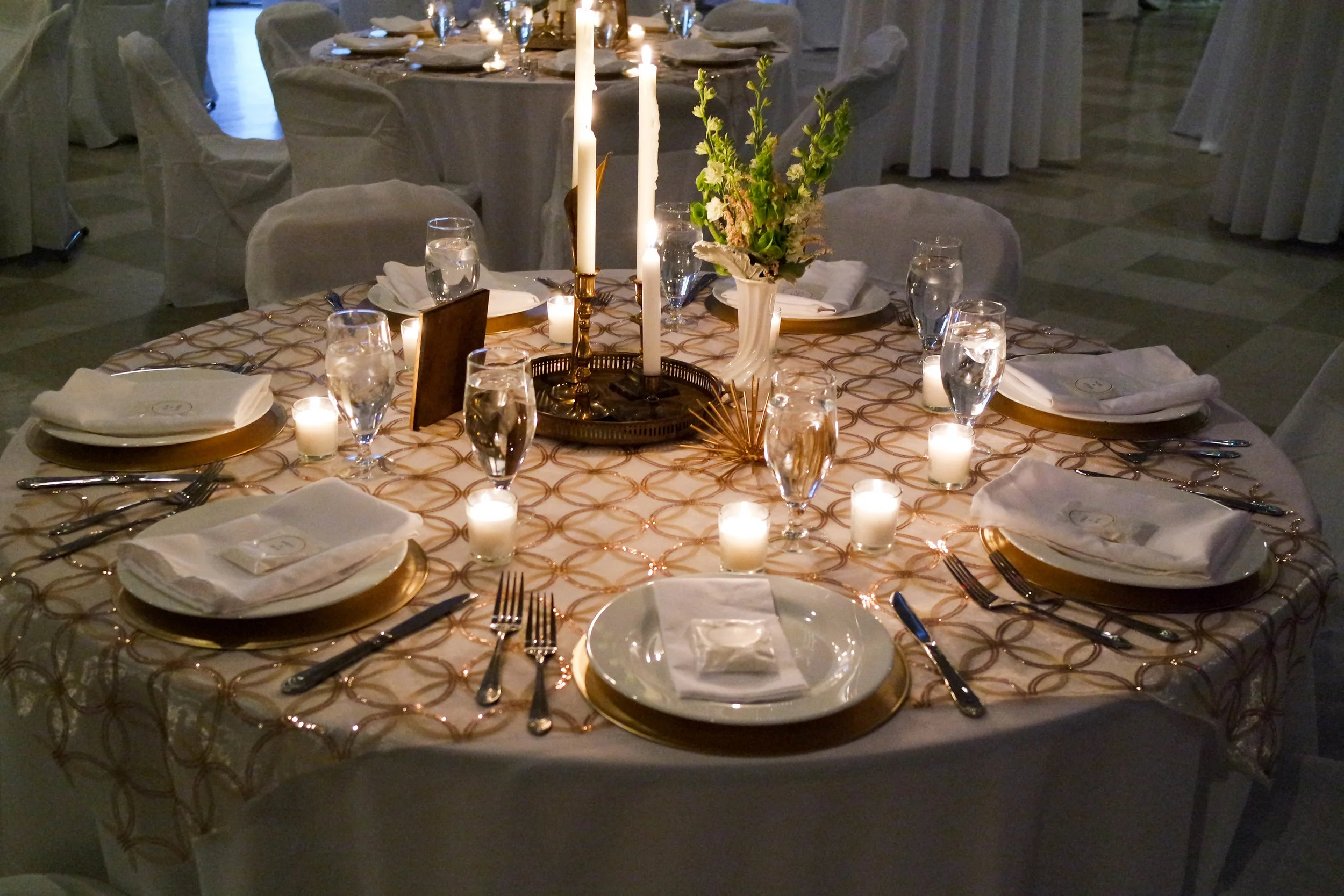
Live shows, movie nights, art openings, private parties, and corporate meetings at 20 N Main St — minutes from the University of Florida and Shands Hospital.
Stay in the Loop
Get the next show, screening, and event announcements sent to your inbox.
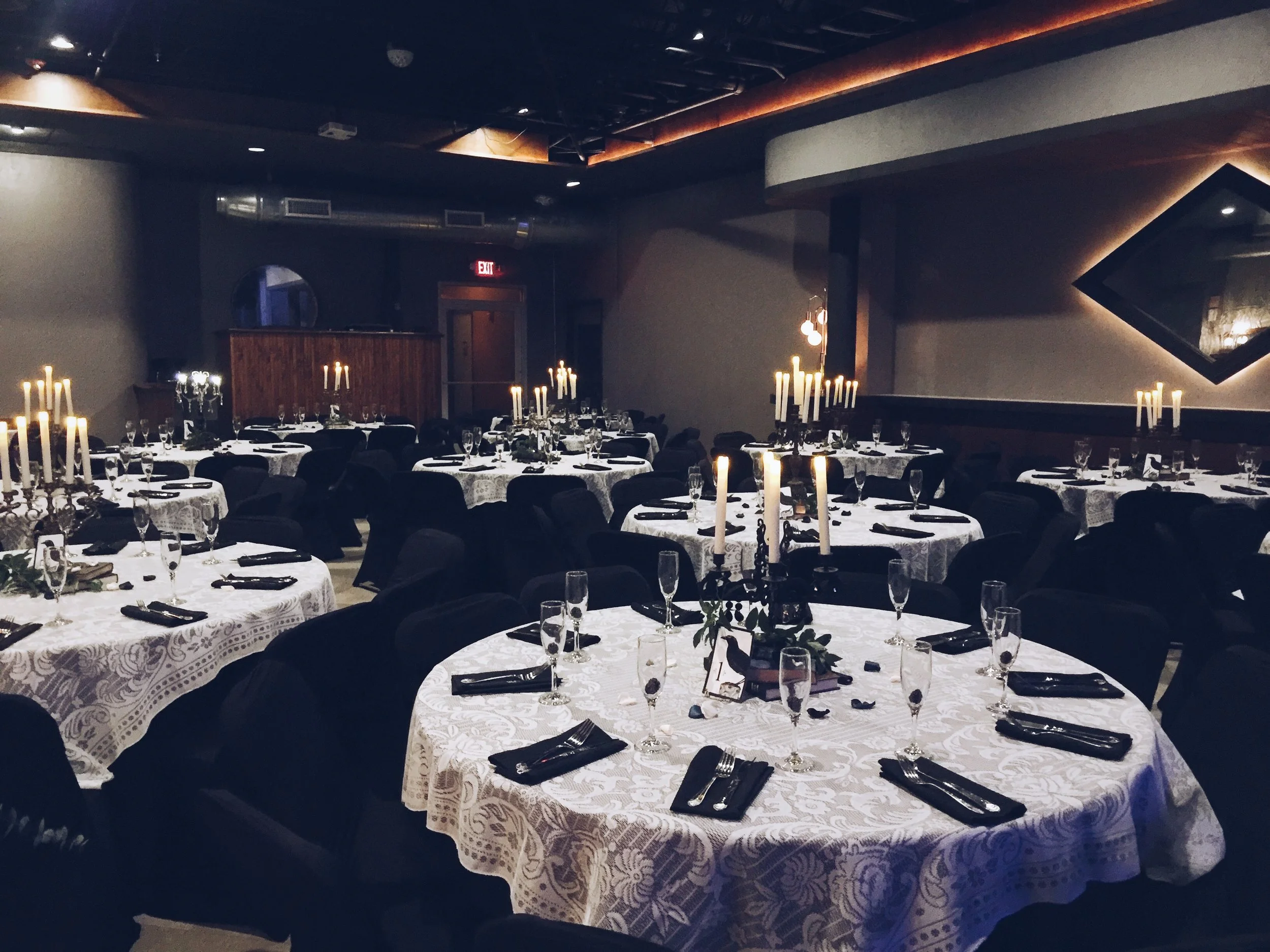
Inside the Room
A look at the stage, the floor, and the nights that move through them.
Live Streaming Your Event From The Wooly With Confidence
Live streaming your event from The Wooly means extending a Gainesville experience beyond the room at 20 N Main Street. A concert, film screening, wedding, corporate meeting or art opening can reach guests who are travelling, working remotely or unable to attend in person, while the people in the venue still enjoy a lively shared occasion.
The venue’s flexible floor plan, professional audio-visual support, full-service bar and in-house catering create a strong foundation for a broadcast. The important work is connecting those features into one dependable production system: cameras must see the action, microphones must capture clean speech and music, and the internet connection must carry the programme without interruption.
For an Australian audience, the planning also involves time zones, viewing habits and local compliance expectations. A viewer in Melbourne may be watching early on a weekday morning while someone in Perth sees the same stream much earlier, so the schedule, replay window and communication plan deserve as much attention as the equipment.
Build The AV System Around The Event
The best setup begins with the event format rather than a shopping list of devices. A two-camera arrangement may suit a panel or company presentation, with one locked-off wide shot and one operator focused on speakers. A concert generally benefits from three or more angles: a wide view of the stage, a close shot for performers and a roaming camera for atmosphere. A wedding or private celebration needs discretion, with camera positions planned around guests rather than through them.
The Wooly’s adaptable layout makes it possible to divide the room into practical zones. The stage or presentation area should remain visually clear, the control position needs a direct view of the action, and cables must be routed away from pedestrian paths. Keep the streaming desk close enough to receive camera and audio feeds without excessive cable runs, while leaving adequate space for catering staff, bar service and audience movement.
A typical signal path runs from cameras and microphones into a video switcher or production computer, then to the streaming platform through a wired internet connection. The switcher can combine live camera shots, presentation slides, holding graphics and pre-recorded material. A confidence monitor helps presenters see slides, timers or remote contributors without turning towards the main screen.
Internet stability matters more than headline download speed. Streaming sends data outward, so upload capacity, network congestion and a hard-wired connection should be tested at the actual control position. Avoid relying on venue Wi-Fi for the primary feed. A bonded mobile connection or separate hotspot can provide backup, although mobile coverage should be tested inside the building rather than assumed from a map.
Choose Cameras For Coverage And Atmosphere
Image quality comes from consistent exposure, sensible framing and reliable operation. Modern mirrorless cameras, camcorders and professional PTZ cameras can all work well when matched to the event. PTZ models are useful where a small crew must manage several viewpoints remotely. Operator-controlled cameras offer more expressive movement for live music, but they require trained crew members who understand when to move and when to hold a shot.
Place the main wide camera where it can show the complete stage or room without blocking sightlines. A second camera should provide medium and close shots of speakers, performers or key moments. For a film night, the projection screen may be the centre of attention, but filming a separate presenter position and audience reactions can make the online version feel more engaging. Never point a camera directly at a bright screen without testing exposure, as the image may turn the speaker or room into a silhouette.
Lighting should be considered alongside camera placement. The Wooly may host events with very different visual moods, from a polished corporate presentation to a colourful music performance. Add soft front light for faces where needed, and check that coloured stage lighting does not make skin tones appear unnatural. A camera test should examine the darkest corners, the brightest highlights and the effect of any projection on the image.
A broadcast can also become a useful record of the occasion. For organisations wanting still images as well as video, the principles in these case documentation tips are relevant: plan viewpoints, protect privacy and capture purposeful details instead of relying on random coverage. Video stills should not replace a dedicated photographer, but coordinated camera positions prevent both teams from competing for the same space.
Treat Audio As The Main Production Priority
Viewers will tolerate a modest camera image more readily than muffled speech, echo or music that distorts. The audio system should therefore be designed before the camera package is finalised. Take a clean feed from the venue’s mixing desk for microphones and instruments, then blend it with carefully placed ambient microphones so the online audience can hear applause and room energy.
For speeches, use lavalier or headset microphones where appropriate, with a handheld microphone available as a backup. Lecterns and panel tables need separate channels so the audio operator can adjust each voice. For live music, the broadcast mix should be created for headphones and small speakers rather than copied blindly from the room mix. A sound that fills the venue may become harsh or unbalanced online.
Run a complete soundcheck with the actual performers, presenters and playback material. Check for hum, radio interference, sudden level changes and delayed audio from video sources. Use headphones at the streaming desk throughout the event, and record a short test that can be reviewed on a phone. This catches problems that may be hidden by the excitement and volume of an in-room rehearsal.
The programme can also include music, film clips or material supplied by artists. The Wooly’s music and art calendar can help organisers understand the venue’s varied programming, but every streamed work still needs appropriate permission for online transmission. Australian organisers should consider APRA AMCOS and PPCA requirements where Australian rights apply, while US-based events may involve different licences. Rights for a venue performance do not automatically cover a public livestream or an archived replay.
Plan For Remote And Australian Viewers
A stream should offer more than a camera pointed at a stage. Add opening titles, speaker names, event branding and short holding slides before the programme begins. A moderator can welcome online guests, relay selected questions and explain breaks. For a business meeting, a private access link and authenticated registration may be preferable to a public platform page. For a community concert, public discovery and an easily shareable replay may matter more.
Time-zone planning is particularly important when The Wooly is broadcasting to Australia. Gainesville operates on Eastern Time, while Sydney and Melbourne can be 15 or 16 hours ahead depending on daylight saving, and Brisbane does not change clocks. Perth is further behind the eastern capitals. A 7 pm event in Florida may therefore appear during the next day’s work or morning routine in Australia. Publish the time in both Eastern Time and the relevant Australian zones, and state whether the recording will be available afterwards.
Australian viewers often watch on a phone, tablet or smart television, sometimes through an NBN connection shared with other household activity. Design graphics with large, high-contrast text that remains readable on a small screen. Captions are valuable for people in noisy environments, viewers with hearing loss and anyone watching without sound. If remote speakers join from Sydney, Adelaide or Brisbane, test their microphones, lighting and internet connection separately rather than treating them as ordinary video-call participants.
Privacy needs careful handling when the camera covers an audience. Inform guests that filming and streaming will occur through signage, event notices and registration terms. Establish a no-camera area where practical, and avoid displaying attendee names, phone numbers or registration screens. Australian organisations should review their obligations under the Privacy Act 1988 and their own privacy policy, especially when collecting registrations, recording audience questions or retaining an online replay. Consent arrangements should be clear before the broadcast begins.
Remote participation can be structured rather than improvised. A community or professional event may use moderated questions, short interviews and scheduled networking breaks. Ideas from conference networking strategies can be adapted into online segments, such as assigning a host to connect participants and keeping discussions focused. The aim is to make remote viewers feel included without interrupting the room-based programme.
Rehearse The Run Of Show
A reliable stream depends on a written run sheet shared by the venue team, presenters, camera operators, audio engineer and online moderator. Include doors open, holding music, opening titles, speaker cues, breaks, content warnings, sponsor mentions and the exact moment the stream ends. Assign one person authority to call a camera change or pause the broadcast, so several people are not giving conflicting instructions during a live moment.
Schedule a technical rehearsal at The Wooly with the room arranged as it will be on the day. Test every camera angle, microphone, slide, video clip and lighting state. Walk the full cable route and confirm that the bar, catering stations, audience seating and production area can operate together. For events using in-house catering, the menu and service timing can be coordinated with the broadcast schedule; a food tasting guide is useful when planning a programme that includes a hosted meal or tasting segment.
Run a private or unlisted test stream long enough to expose overheating, software crashes, unstable upload speed and audio drift. Monitor the stream from a separate device on a different network. The production team should know how to switch to a backup camera, display a holding slide, mute a failed microphone and continue with a local recording if the platform becomes unavailable.
Practical Checks Before Going Live
- Confirm a wired primary internet connection, tested upload speed and an independent backup connection.
- Label every camera, microphone, cable and switcher input so faults can be isolated quickly.
- Record a local master file in addition to the platform broadcast.
- Obtain permissions for music, films, presentations, logos, guest appearances and replay use.
- Display clear filming notices and provide a practical way for guests to avoid the camera frame.
- Publish viewing times for Australian cities, including the replay link and caption availability.
When the room opens, the production team should arrive early enough to repeat the critical checks without rushing. Keep spare batteries, memory cards, cables, adapters and microphones at the control position. Nominate a technical lead, an audio lead and an online host, even if one person fulfils more than one role on a small event.
The strongest live stream from The Wooly will feel simple to the viewer because the complexity has been handled beforehand. Match the camera plan to the event, prioritise clean audio, test the network under real conditions, respect permissions and make the programme accessible across Australian time zones. The practical takeaway is straightforward: build and rehearse the entire signal path before guests arrive, then keep a local recording running from the first cue to the final sign-off.
Follow the Calendar
News, ticket links, and last-minute additions posted across our channels.
Explore the Venue
Five pages covering the full run of programming and private bookings.
Browse the schedule for movie showings, live music, and art shows.
Weddings, holiday banquets, cocktail parties, and anniversaries.
Meetings, networking, luncheons, and fundraisers with AV support.
Concerts, film screenings, art showcases, and community pop-ups.
Photos from past concerts, private functions, and gatherings.