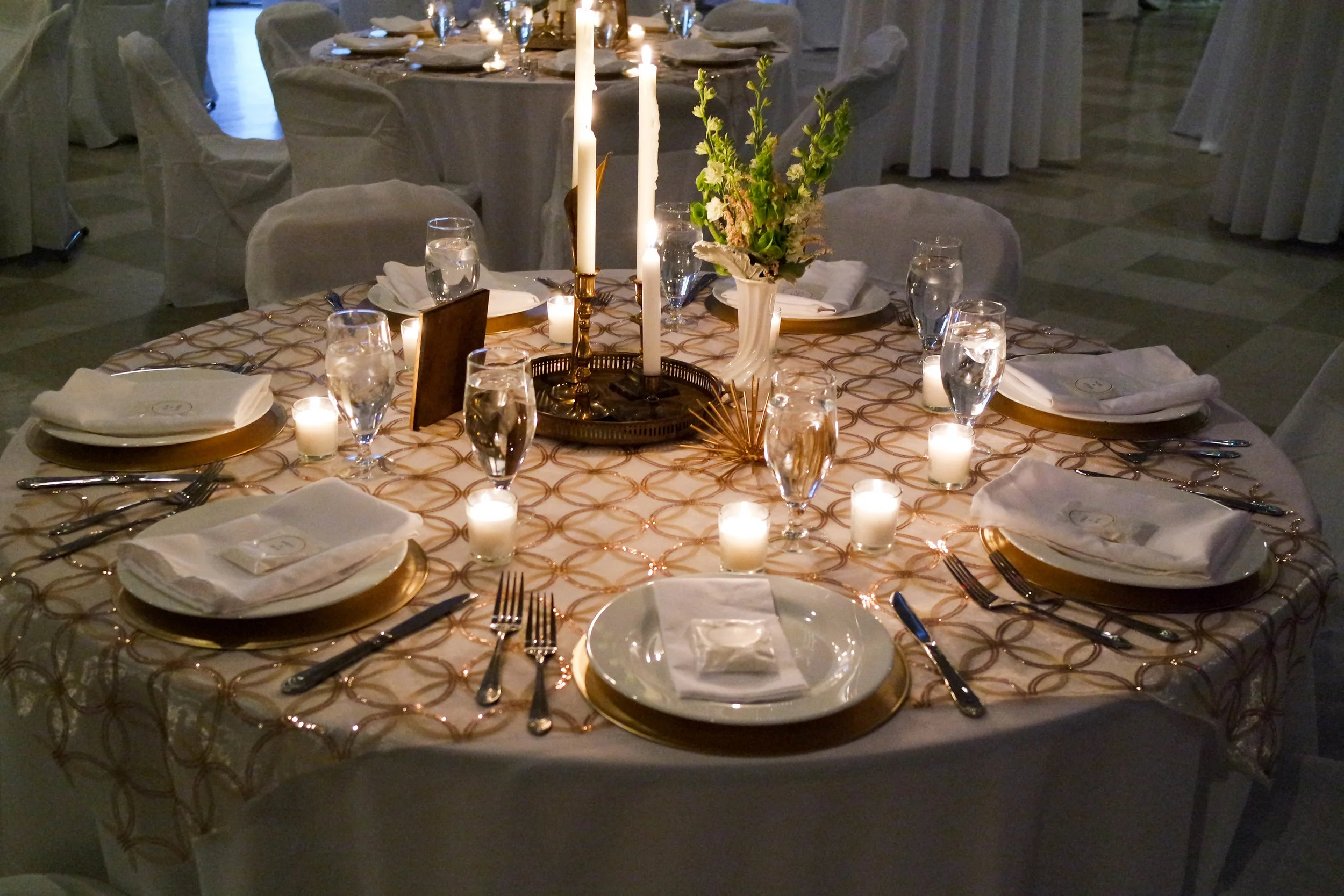
Live shows, movie nights, art openings, private parties, and corporate meetings at 20 N Main St — minutes from the University of Florida and Shands Hospital.
Stay in the Loop
Get the next show, screening, and event announcements sent to your inbox.
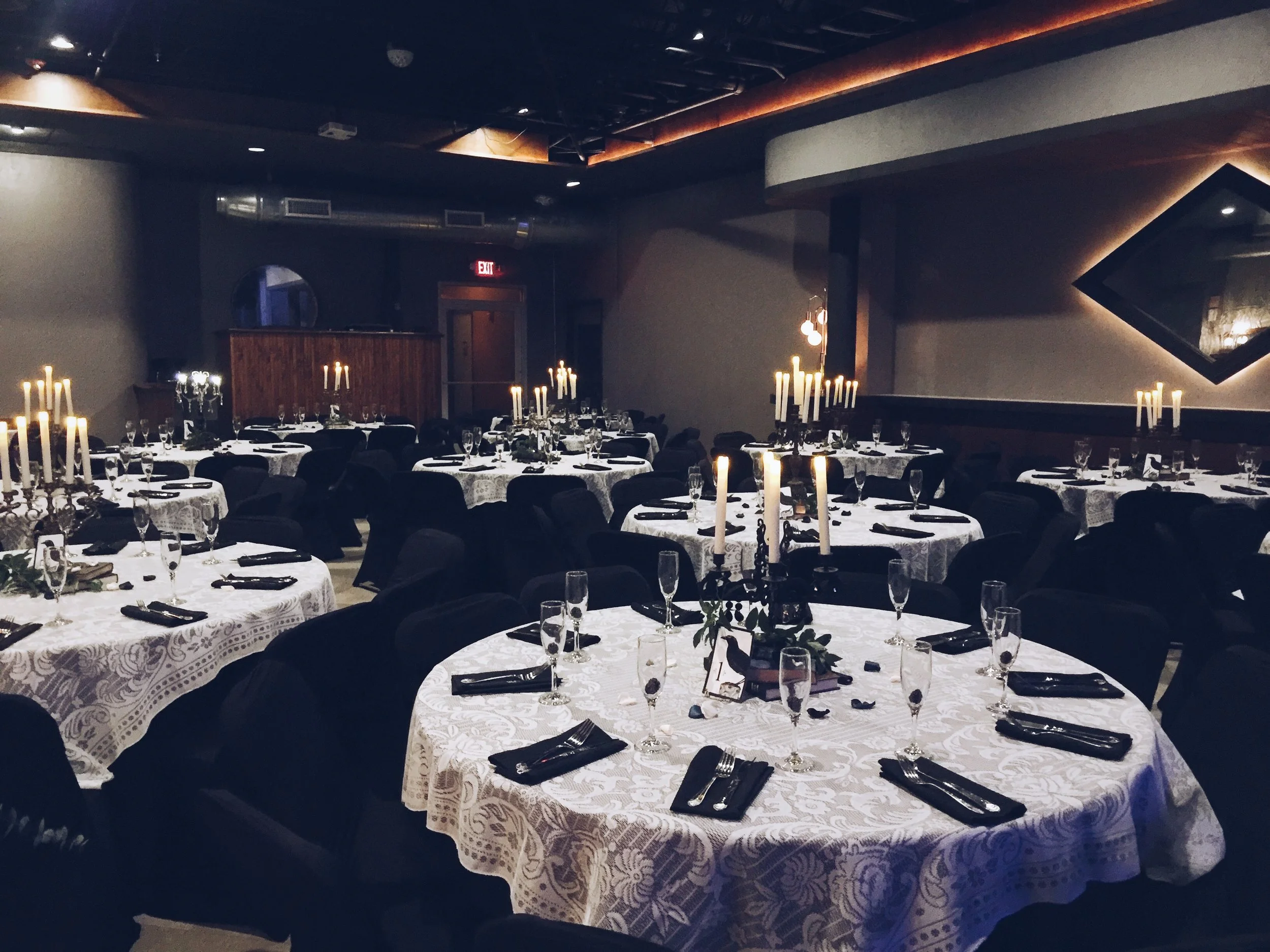
Inside the Room
A look at the stage, the floor, and the nights that move through them.
Setting up a film screening at The Wooly: a technical guide
A successful film screening depends on more than loading a video file and dimming the lights. The image must be bright enough for the room, dialogue must remain intelligible, guests need clear sightlines, and the playback system must be tested under the same conditions used on the night. At The Wooly in downtown Gainesville, Florida, the flexible event space can support screenings, discussions, premieres, private functions, and community film nights when the production is planned around the venue’s actual layout.
For an Australian organiser, the first task is to treat the event as an American production rather than simply exporting an Australian setup. The Wooly operates on 120V, 60Hz power and uses US-style electrical outlets, while Australian equipment is designed around 230–240V, 50Hz and Type I plugs. Power adapters do not convert voltage or frequency. Any imported projector, powered speaker, media server, or lighting fixture must be checked for dual-voltage compatibility before it travels.
The Wooly’s location at 20 N Main Street is useful for audience access, supplier coordination, and nearby accommodation. It is close to the University of Florida and Shands Hospital, placing the venue in an active part of Gainesville rather than an isolated event precinct. Begin by confirming the available dates through the event calendar, then build a technical brief that the venue team, film rights holder, projection operator, and front-of-house staff can all use.
Define the screening before booking equipment
Start with the programme rather than the projector. Record the film’s running time, aspect ratio, frame rate, audio format, resolution, captions, intended start time, and whether the session includes trailers, advertisements, a filmmaker introduction, or a post-screening discussion. A 90-minute feature with a 15-minute Q&A has different operational needs from a double bill with an intermission.
Confirm exhibition rights separately from venue hire. A purchased streaming subscription or Blu-ray does not automatically provide public performance rights. The distributor, producer, sales agent, or licensing body may specify an approved file format, encryption method, region restriction, playback device, or reporting requirement. Keep written permission, the delivery specification, and any password or key in the production folder.
Ask The Wooly for a current room plan, maximum occupancy, available screen or projection surfaces, house audio inventory, lighting control, stage dimensions, power locations, loading access, Wi-Fi arrangements, and the person responsible for technical decisions on the day. The venue offers professional audio-visual support, in-house catering, and a full-service bar, but the exact equipment package and staffing should be confirmed in writing rather than assumed.
Australian organisers should also allow for time-zone coordination. Gainesville uses Eastern Time, so a production call arranged during a convenient Sydney morning may fall outside the venue team’s normal working hours. Put all deadlines in Eastern Time and include the date in every email. If equipment is being sourced from Melbourne, Brisbane, or Perth, allow for customs, freight, replacement parts, and the possibility that a local rental house is faster and safer.
Shape the room for the audience and image
A flexible floor plan is valuable because the audience arrangement determines the technical result. A central screen with rows facing forward gives the cleanest cinema experience, while cabaret tables or a mixed standing-and-seated layout may suit a launch or reception. Avoid allowing catering, bar queues, or a registration desk to intrude into the projected image or block the rear of the audience.
Measure the intended throw distance before selecting a projector lens. The image should fill the screen without spilling onto adjacent walls, and the projector should sit square to the screen whenever possible. Digital keystone correction can rescue a difficult setup, but it reduces image geometry and should not replace proper alignment. Check the lowest and highest rows, people seated at the sides, and anyone using a wheelchair space.
Ambient light is often the hidden cause of a disappointing screening. Turn off decorative fixtures near the image, control spill from doors, and ask staff to keep service areas from becoming bright visual distractions. A high-lumen projector is not a substitute for a dark room. If the venue cannot be fully blacked out, use a smaller image with stronger contrast rather than stretching a dim picture across a large wall.
Plan the audience journey as carefully as the signal path. Doors, ticket scanning, late arrivals, accessible seating, toilets, bar service, and emergency exits should be clear before the first frame. In Australia, audiences are familiar with timed sessions, accessible venues, and clear classification information; applying the same discipline in Gainesville helps visiting guests feel comfortable. For a wedding film, private celebration, or corporate presentation, the room may need to change from dining or networking mode to screening mode without moving the screen or projector.
Match the playback chain to the film
The complete signal chain should be documented from source to audience: playback device, output resolution, frame rate, cable type, distribution hardware, projector input, audio de-embedding, mixer, amplifiers, and speakers. Fewer conversion points usually mean fewer failure opportunities. Test the actual file on the actual playback computer, not just a short sample exported from editing software.
For most venue screenings, a reliable laptop or dedicated media player with a local copy of the film is preferable to depending on an internet stream. Download the approved file in advance, disable system updates and notifications, set the computer not to sleep, and keep a second verified copy on a separate drive. If the distributor supplies DCP media, confirm whether The Wooly has a DCP-capable server or whether a specialist cinema playback solution must be hired.
Audio deserves equal attention. Dialogue should be clear at the back of the room without making music or effects uncomfortably loud near the speakers. Use a proper mixer input, avoid relying on the laptop’s headphone socket for a major event, and check whether the house system expects balanced XLR, TRS, HDMI audio, or another format. A short pre-show announcement can reveal hum, incorrect channel mapping, missing rear channels, or a soundtrack that is unexpectedly quiet.
| Production choice | Advantages | Risks to check | Sensible use at The Wooly |
|---|---|---|---|
| Local playback laptop | Easy to operate and replace; supports common video files | Notifications, updates, unsuitable adapters, software crashes | A feature film, presentation, or community screening after a full rehearsal |
| Dedicated media player | Stable, simple signal path, low distraction | Limited codec support and fewer operator controls | A locked programme with a verified file |
| DCP playback system | Cinema-standard delivery and image handling | Requires compatible hardware, keys, and trained operation | A premiere or distributor-supplied theatrical package |
| Live streaming | Useful for a remote guest or simultaneous event | Internet dropouts, compression, rights limitations, time-zone problems | A short remote introduction with a local backup |
| HDMI presentation workflow | Fast switching between film, slides, and speakers | Resolution changes, HDCP issues, cable limits | A film night with introductions, trailers, or a Q&A |
Australian equipment needs special care in this comparison. A dual-voltage charger marked “100–240V, 50/60Hz” may travel safely with the correct plug adapter, but a projector or amplifier marked only for 220–240V should not be connected to a US outlet. Avoid improvising with travel transformers for high-load professional equipment unless an electrical technician has approved the arrangement. Hire locally where possible, and ask the rental company to provide US-compatible power leads and tested signal cables.
Coordinate crew, cues, and guest services
Assign one person as technical lead, even if the event is small. That person should own the playback file, projector alignment, audio level, lighting cues, backup plan, and communication with the venue. A separate front-of-house lead can handle doors, tickets, guest questions, accessibility, and late arrivals. When the same person tries to run the film while greeting guests, small problems become visible failures.
Use a written run sheet with exact times. Include room access, equipment delivery, setup, line check, image test, doors open, house announcement, film start, break, Q&A, end credits, bar close, and pack-down. Note who gives each cue and how they communicate. A discreet headset or agreed hand signal is more reliable than shouting across the room.
Useful crew assignments include:
- A playback operator with the master file, backup file, power supply, and cue sheet.
- A projection or video technician responsible for focus, framing, brightness, and signal status.
- An audio operator checking speech, film playback, microphones, and post-screening questions.
- A front-of-house lead managing doors, late seating, accessibility, and audience announcements.
- A venue contact authorised to approve room, bar, catering, and emergency changes.
Microphones should be tested with the actual speakers who will use them. A filmmaker accustomed to Sydney or Melbourne panel events may expect a lectern microphone, while a Gainesville audience discussion may work better with a handheld passed through the rows. Keep the Q&A microphone away from the projection path and leave enough time for panellists to reach the stage or speaking position after the credits begin.
If the screening includes catering or a bar, agree on service timing. Clinking glassware, coffee machines, and conversations behind the audience can undermine quiet dialogue. Consider opening the bar before the screening, pausing service during the feature, and using the end credits as the transition point. The venue’s experience with weddings and private functions can help when a screening is part of a larger event; its wedding planning guide illustrates the kind of broader guest-flow planning that can also apply to film occasions.
Test the system under real conditions
A technical rehearsal should use the final delivery file, the intended screen, the planned seating, and the room’s event lighting. Test the first five minutes, the loudest passage, the quietest dialogue, any subtitles, the end credits, and every transition to a live speaker. Watch from the front, middle, back, and side seats. A picture that looks sharp at the operator’s table may be too dim or poorly framed elsewhere.
Check colour, focus, aspect ratio, black levels, and motion. Confirm that subtitles are not cropped by masking or overscan. Watch for letterboxing: a widescreen film may display correctly with black bars, while a stretched image will make faces and graphics look wrong. Record the approved projector settings so they can be restored if another event uses the system before yours.
Accessibility should be part of the technical test. Verify caption files, hearing assistance, accessible seating, clear routes, and a method for communicating announcements to guests who cannot hear them. If the programme includes flashing images, intense sound, or sensitive content, include appropriate notices in the event information. In Australia, producers often build these details into venue planning because audiences expect practical access information before arrival; the same approach is valuable for an American screening.
Use this final check before opening the doors:
- Confirm the rights documentation, approved file, captions, and programme version.
- Verify projector focus, frame shape, brightness, audio channels, and microphone levels.
- Disconnect unnecessary network services and close notifications on playback devices.
- Store duplicate media, power supplies, adapters, cue sheets, and contact numbers together.
- Photograph the final cable paths and leave exits, aisles, and service routes unobstructed.
Manage the live screening and handover
During the event, keep the technical station quiet, secure, and visible enough to monitor the image without distracting guests. The playback operator should watch the first minutes closely, then monitor audio meters, playback time, and the projected picture at regular intervals. Do not leave the room during a critical transition, even if the file appears to be running normally.
Have a recovery procedure that can be followed calmly. If the picture freezes, pause the room announcement, stop the source, and restart from the last known cue rather than clicking randomly. If audio drops out, check mute states, mixer routing, and cable connections before changing multiple settings. A local backup device should be ready to take over, but it must be tested before doors open.
At the end, allow the credits to run unless the rights holder has approved an abbreviated version. Keep house lights low enough for the audience to leave safely without turning the screening into a sudden bright-room interruption. After a Q&A, restore the space only when the final guests have cleared the aisles and all rented equipment has been signed back in.
The final handover should record what worked, what changed, and what must be improved for the next session. Return the room according to the agreed layout, remove temporary tape and cable ramps, secure licensed media, and verify that no personal drives or confidential files remain on venue computers. Before travel, the producer’s concrete next step is to send The Wooly a one-page technical brief with the film file specification, seating plan, equipment request, crew contacts, and proposed test time.
Follow the Calendar
News, ticket links, and last-minute additions posted across our channels.
Explore the Venue
Five pages covering the full run of programming and private bookings.
Browse the schedule for movie showings, live music, and art shows.
Weddings, holiday banquets, cocktail parties, and anniversaries.
Meetings, networking, luncheons, and fundraisers with AV support.
Concerts, film screenings, art showcases, and community pop-ups.
Photos from past concerts, private functions, and gatherings.